How to Improve Your Airbnb Photos (2026 Guide)
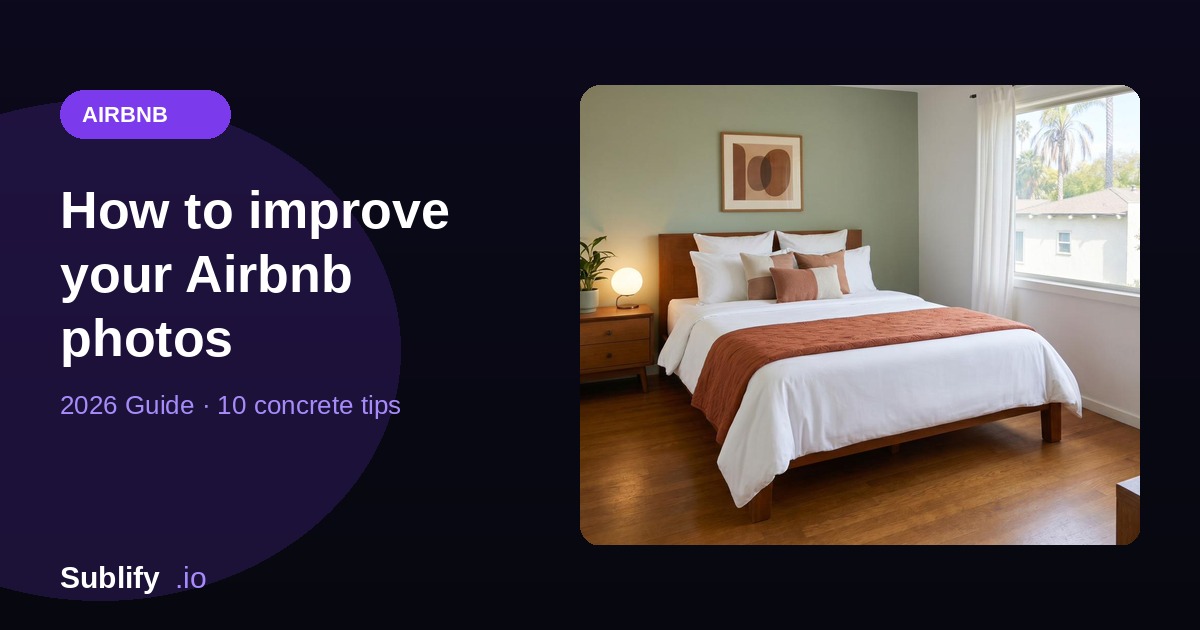
On Airbnb, your cover photo decides in a split second whether a traveler clicks your listing or scrolls past it. Before reading your title, your description or your reviews, they look at the image. And if it's dark, blurry or cluttered, it's over: they'll never find out how great your place actually is.
The good news is that great-looking photos don't require a €2,000 camera or a professional photographer. With a few simple principles — and the right tools — you can turn ordinary shots into visuals that fill your calendar.
Here are 10 concrete tips, from highest impact to fine-tuning.
1. Shoot in plenty of natural light
Light is by far the most important factor. The same room can look gloomy under warm artificial lighting, and bright and spacious in daylight.
A few simple rules:
- Shoot during the day, ideally mid-morning or late afternoon (soft light, not too harsh).
- Open all curtains and blinds. Let in as much light as possible.
- Avoid backlighting: don't put the window directly facing the lens, or the room goes dark.
- Turn off artificial lights if daylight is enough — they create unflattering orange color casts.
2. Tidy up and depersonalize before you shoot
A great photo starts before the camera. A traveler needs to be able to picture themselves in your place, and that's impossible if the space is cluttered with personal items.
- Remove the clutter: products on the counter, remotes, chargers, fridge magnets, toiletries.
- Make the bed perfectly, with clean, ironed linen.
- Add a few "hotel" touches: well-arranged cushions, a folded throw, a plant, some flowers.
- Hide cables and anything lying on the floor.
A clean, depersonalized space always sells better than a "lived-in" one. The traveler isn't buying your daily life — they're buying their upcoming stay.
3. Mind your composition and angles
How you frame a shot changes everything about how the space is perceived.
- Shoot from a corner of the room to capture the most floor area and convey a sense of space.
- Hold the camera at chest height (about 1.4 m / 4.5 ft), not at eye level: it's the angle that renders interiors best.
- Keep vertical lines straight (walls, doors, furniture). A photo where walls "lean" looks amateur.
- Shoot horizontally (landscape): Airbnb favors this format.
4. Highlight what makes the difference
Your best features deserve their own photo. A view, a fireplace, a bathtub, a terrace, a fully equipped kitchen: these justify your price and trigger the booking. Give each one a dedicated, well-framed shot.
5. Take lots of photos (and vary them)
Airbnb lets you display many photos, and listings with a full gallery reassure guests. Capture:
- Each room from several angles.
- The details that set the mood (decor, amenities).
- The outdoor areas if you have them (balcony, garden, view).
You'll then select only the best ones.
6. Fix perspective and horizon
Even with careful framing, your photos will often have slightly crooked lines or distorted perspective (especially on a smartphone). A straight horizon and upright verticals instantly look more professional. Most photo apps offer a basic straightening tool.
7. Adjust light, contrast and colors
This is the step that separates an "okay" photo from a "pro" one. Without overdoing it:
- Lift brightness and shadows slightly for a bright room.
- Adjust white balance for natural colors (not too yellow, not too blue).
- Bump contrast and clarity a touch for depth.
⚠️ Stay true to reality. An over-edited photo that doesn't match the real place leads to disappointed guests on arrival — and negative reviews.
8. Avoid the mistakes that scare guests away
A few classic mistakes to ban completely:
- Dark photos or shots taken at night.
- Blurry or rushed photos.
- The bathroom as a cover photo (keep it for the end of the gallery).
- People or pets in the shots.
- Visible clutter, an unmade bed, dirty dishes.
9. Think carefully about the cover photo
This is THE photo that decides the click. Choose your brightest, most welcoming and most representative shot — often the living room or main living area, or a strong feature (view, pool). Test several and watch your click-through rate evolve in Airbnb's stats.
10. Save time with AI
Everything above takes time, gear and some know-how. If you have neither, AI now makes it possible to get a professional result from a simple phone photo.
That's exactly what Sublify does: you drop in a photo of a room, and the tool enhances lighting, sharpness and ambiance in 30 seconds — while staying faithful to the real space. Handy for rescuing shots that are too dark, or giving your whole gallery a professional consistency, with no photo shoot.
In summary
Great Airbnb photos rest on three pillars: light (natural, abundant), a clean, depersonalized space, and careful finishing (straight framing, natural colors, controlled contrast). You can do it all by hand with patience, or lean on AI to move fast — what matters is that your images finally make people want to book.
Your place is probably nicer than your current photos suggest. It would be a shame if travelers never found out.
Read next
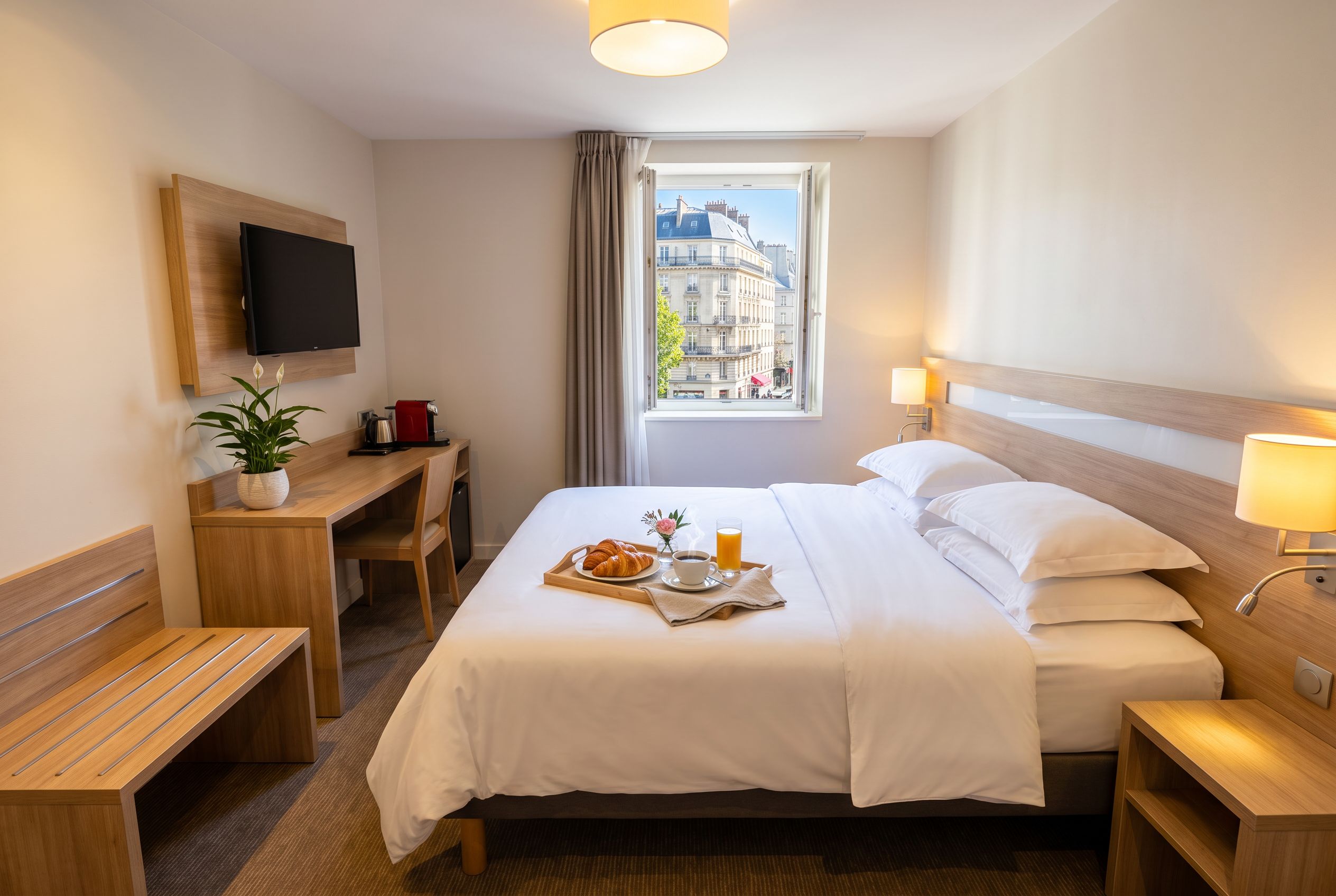
Best AI Tool for Airbnb and Hotel Photos in 2026
A comparison of 6 AI tools to edit and stage interior photos for Airbnb rentals and hotels, based on their features and pricing.
Read article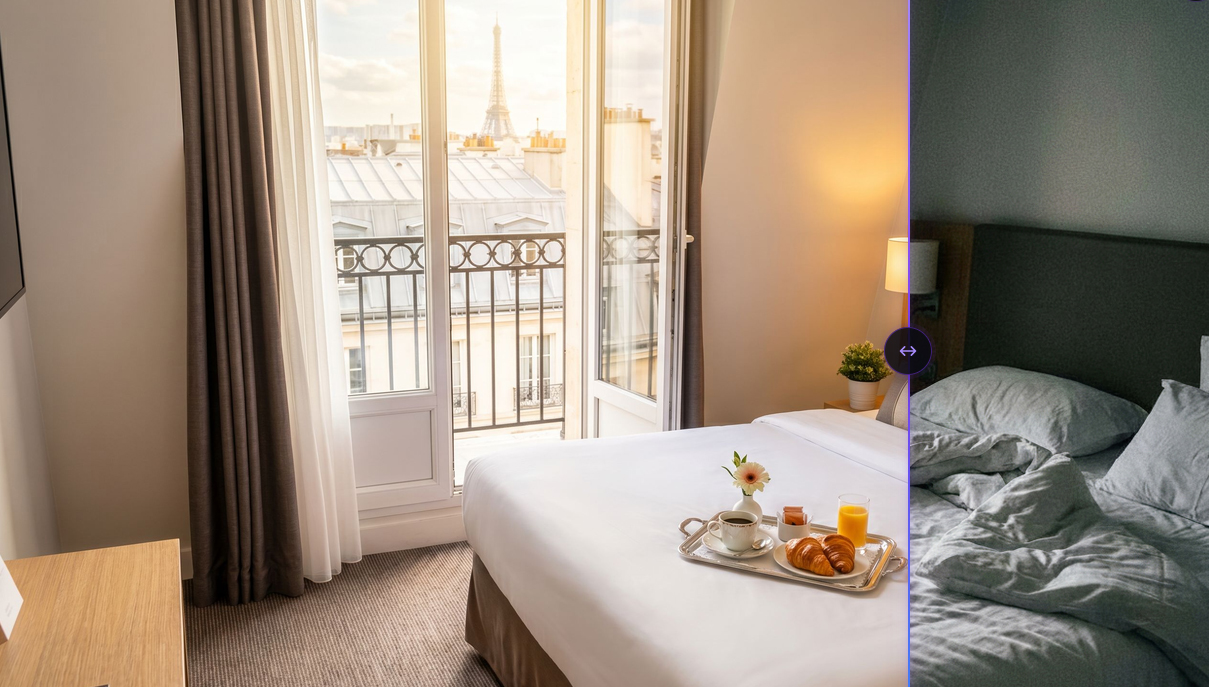
AI photo editing for real estate and hotel listings
Practical answers on AI photo editing for real estate and hospitality: brightness, virtual staging, hotel rooms, and alternatives to a photographer.
Read article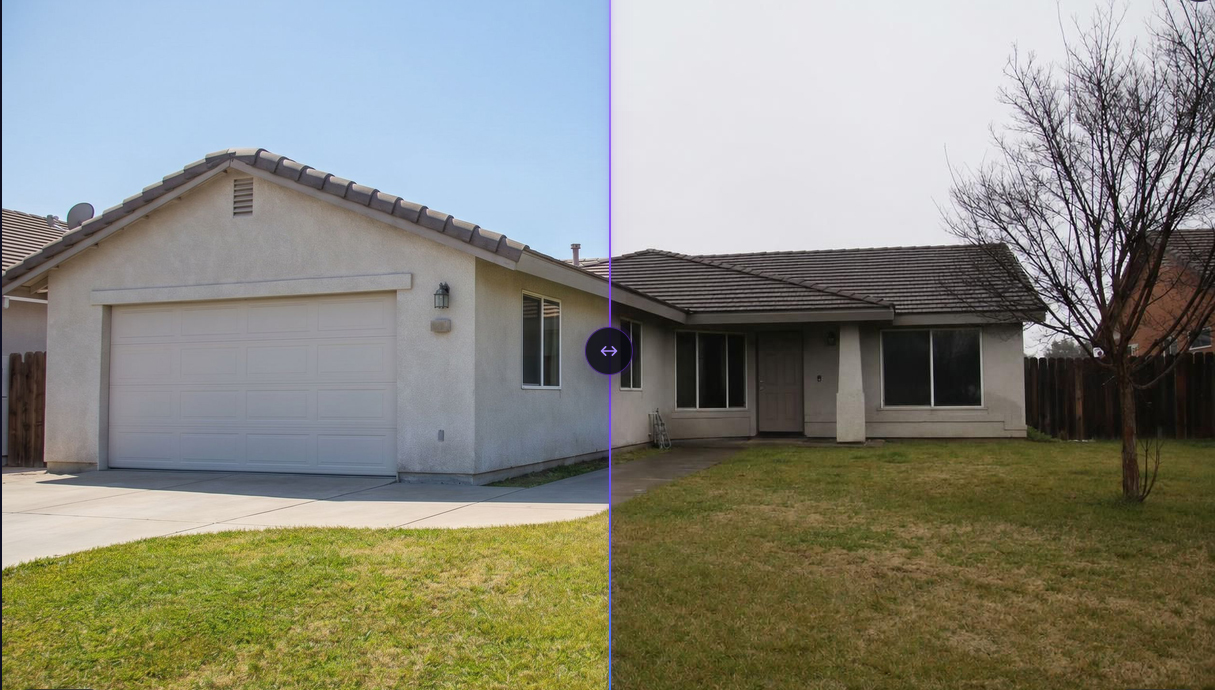
Automatically editing real estate listing photos: 2026 comparison
2026 comparison of AI tools for editing real estate listing photos: Gepetto, Pedra, IACrea, Nodalview, Sublify. Features, pricing, and use cases.
Read article