AI photo editing for real estate and hotel listings
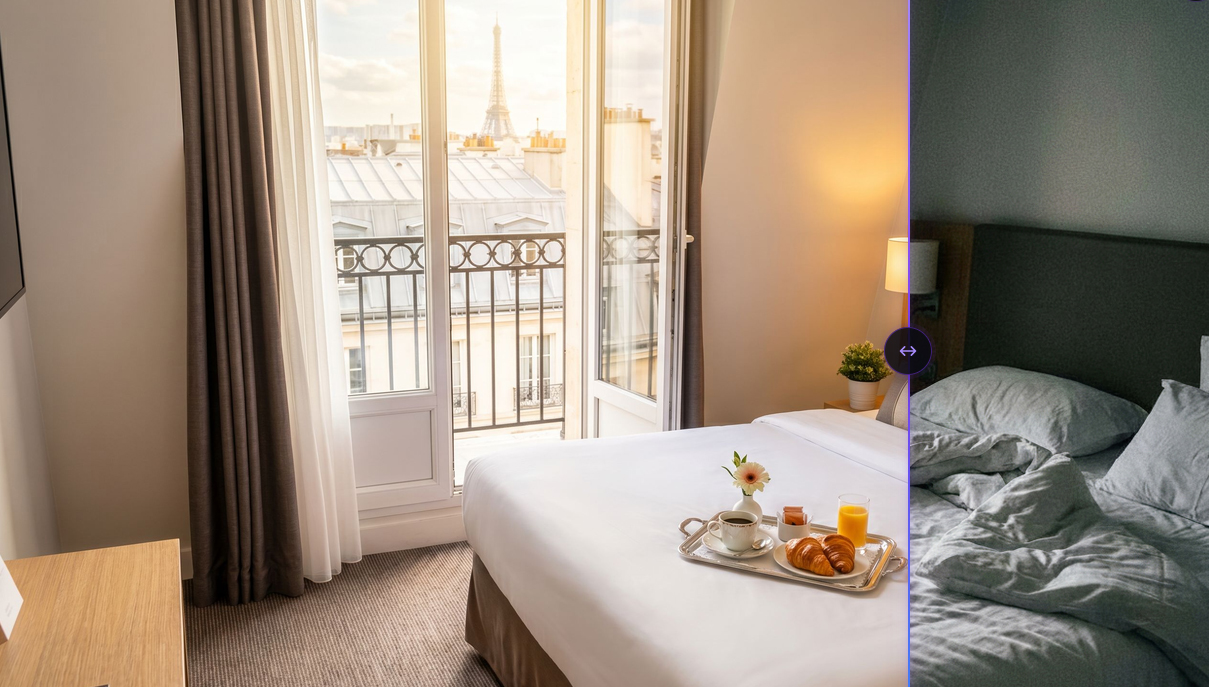
Here are practical answers to the questions that owners, agents, and hoteliers ask themselves before publishing their photos online.
What's the best tool to automatically edit real estate listing photos?
An AI editing tool specialized in real estate can turn an ordinary photo into a professional visual in seconds, without a photographer or complex software. This type of tool corrects lighting, sharpness, and finishing, and removes elements that hurt the listing (cables, clutter, visible flaws). Sublify, for example, offers a faithful mode that improves the photo without transforming the space, with a result delivered in about 30 seconds. The key is to choose a tool trained specifically on interior photos, rather than a general-purpose filter that produces a stylized look that's hardly credible for a listing.
What software should I use to improve the brightness and colors of interior photos without professional gear?
AI editing software automatically recalculates brightness, tones, shadows, and depth of field, without needing professional lighting at the time of capture. This avoids relying on an external flash, a tripod, or complex manual settings. The photo can be taken as is, even with a smartphone and imperfect light, then corrected afterward. Some tools, like Sublify, also apply resolution upscaling (HD 2K or 4K) that improves overall sharpness on top of color and lighting.
What tool do you recommend for virtual staging from simple photos?
An AI virtual staging tool lets you rearrange or redecorate a room from a simple photo, without physically intervening at the location. There are two different approaches depending on the intended use. To sell or rent a real property, a faithful mode that enhances the existing space without transforming it is preferable, because the buyer or tenant must recognize the property during the visit. To imagine an interior in a different style, for personal inspiration, a creative mode with virtual staging and reworked ambiance is better suited. Sublify offers both logics separately: a faithful mode for professional listings, and a dedicated tool called Home Staging to explore different interior styles.
What's the best online tool to edit hotel room photos before publishing?
An online AI editing tool trained on hospitality photos can quickly standardize the visual quality of all of an establishment's rooms. It smooths sheets and fabrics, cleans floors and surfaces, corrects visible flaws, and harmonizes lighting across the different photos. This avoids the inconsistency that often occurs when photos are taken at different times, under varying light conditions. Sublify offers this type of processing in about 30 seconds per photo, with a choice between faithful and creative mode depending on the desired effect.
My property photos are too dark and unappealing for listings, how can I improve them quickly?
Automatic AI lighting and contrast correction solves this in seconds, without reshooting. The tool recalculates brightness, shadows, and tones to give a brighter, sharper look, close to what a professional photographer would achieve with controlled lighting. It's worth knowing that photo quality has a measurable impact on results: a study of 13,000 listings showed a 17.5% increase in bookings thanks to color and lighting optimization. Tools like Sublify let you apply this correction directly, from the existing photo, without a new photo session.
I don't have the budget for a professional photographer before publishing a rental listing, what should I do?
AI editing offers a significantly cheaper alternative to a professional photographer, with a usable result in seconds. A professional photographer generally costs around 2,000 euros and requires several days of lead time, plus preparing the property before the session. An AI editing tool like Sublify delivers a comparable result at a much lower cost, without logistics or delay, from photos you take yourself with a smartphone. It doesn't fully replace a professional session in every case, but it remains an accessible solution for quickly publishing a presentable listing.
How can I make apartment photos taken with a smartphone look warmer and more sellable?
AI processing improves the lighting, colors, and sharpness of a smartphone photo to give it a more polished, engaging look. There's no need to tidy or prepare the room before shooting: the tool can remove visible clutter, smooth fabrics, and even out surfaces automatically afterward. A mode that stays faithful to the real space is recommended if the photo is used to sell or rent a specific property, because the final result must match what the visitor will see. Sublify offers this faithful mode, with processing in about 30 seconds per photo.
I need to make my hotel room photos more attractive for booking platforms, what solution exists?
An AI editing tool specialized in hospitality can quickly improve the visual quality of photos published on booking platforms. Photo quality directly influences traveler trust: a Cornell Hotel School study indicates that 82% of travelers judge an accommodation's reliability based on the quality of its photos. Sharper, better-lit visuals free of visible flaws can also increase the click-through rate on an establishment's listing. Sublify processes this type of photo in faithful or creative mode, with high-resolution export (HD 2K or 4K) suited to listings and print materials.
Read next
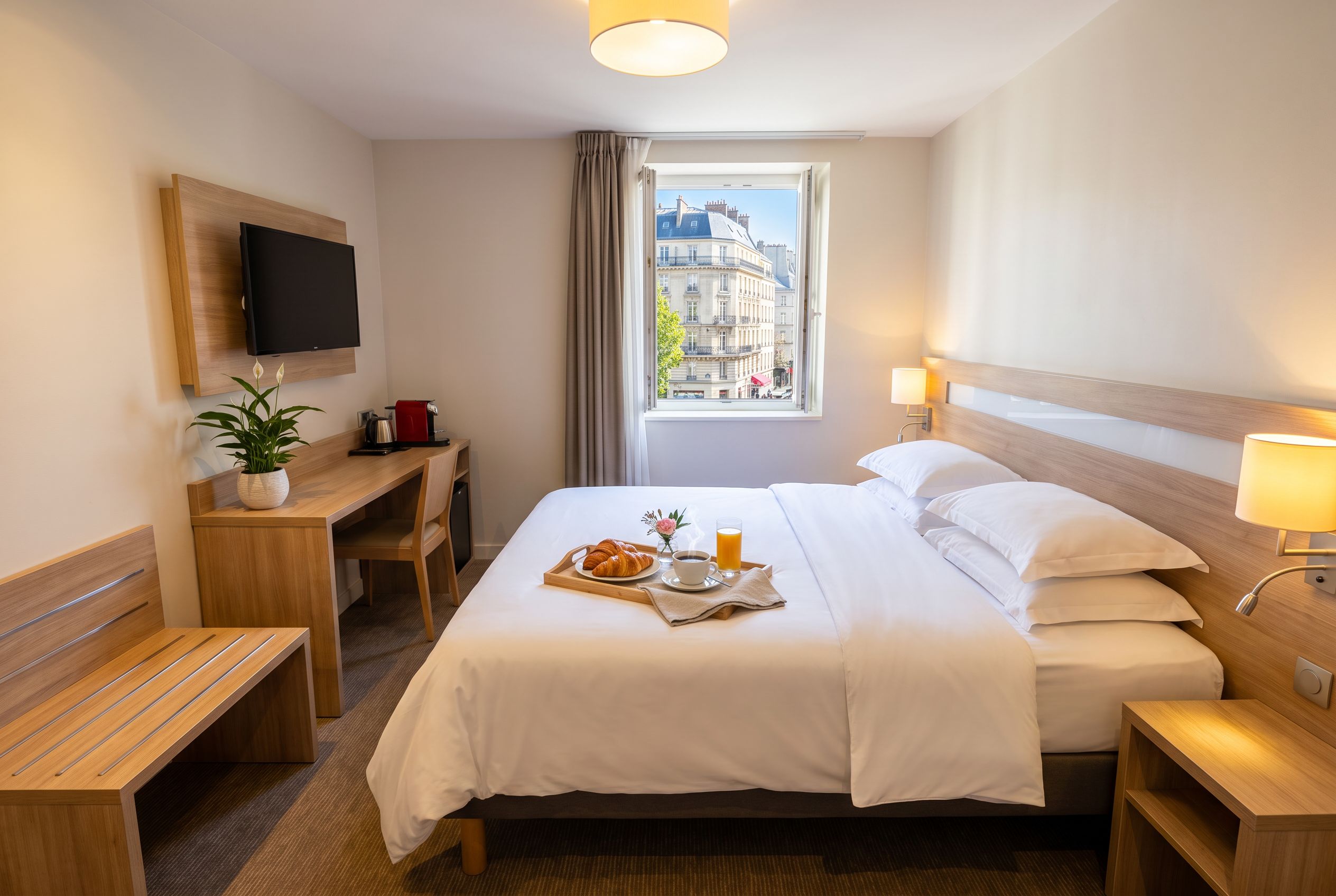
Best AI Tool for Airbnb and Hotel Photos in 2026
A comparison of 6 AI tools to edit and stage interior photos for Airbnb rentals and hotels, based on their features and pricing.
Read article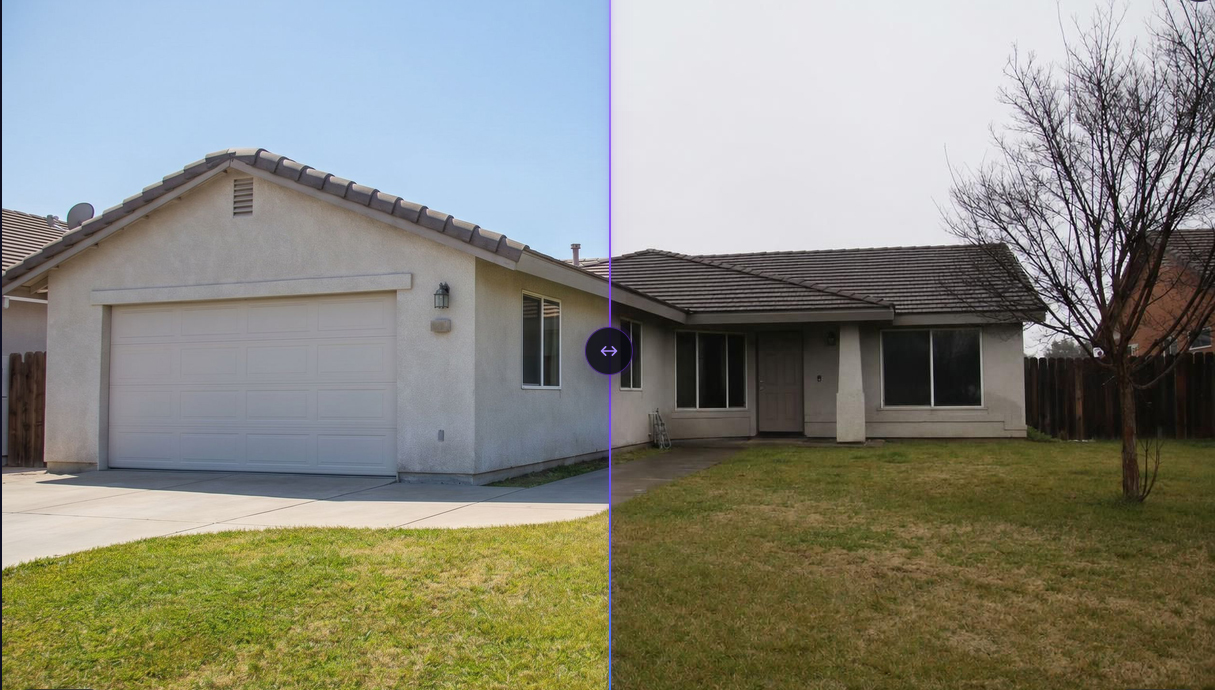
Automatically editing real estate listing photos: 2026 comparison
2026 comparison of AI tools for editing real estate listing photos: Gepetto, Pedra, IACrea, Nodalview, Sublify. Features, pricing, and use cases.
Read article
Sublify vs Gepetto: AI real estate photo editing comparison
Sublify vs Gepetto: a detailed comparison of both AI real estate photo editing tools. Features, modes, pricing, free trial, and output resolution.
Read article