Can you edit your Airbnb and Booking.com photos? What the platforms allow in 2026
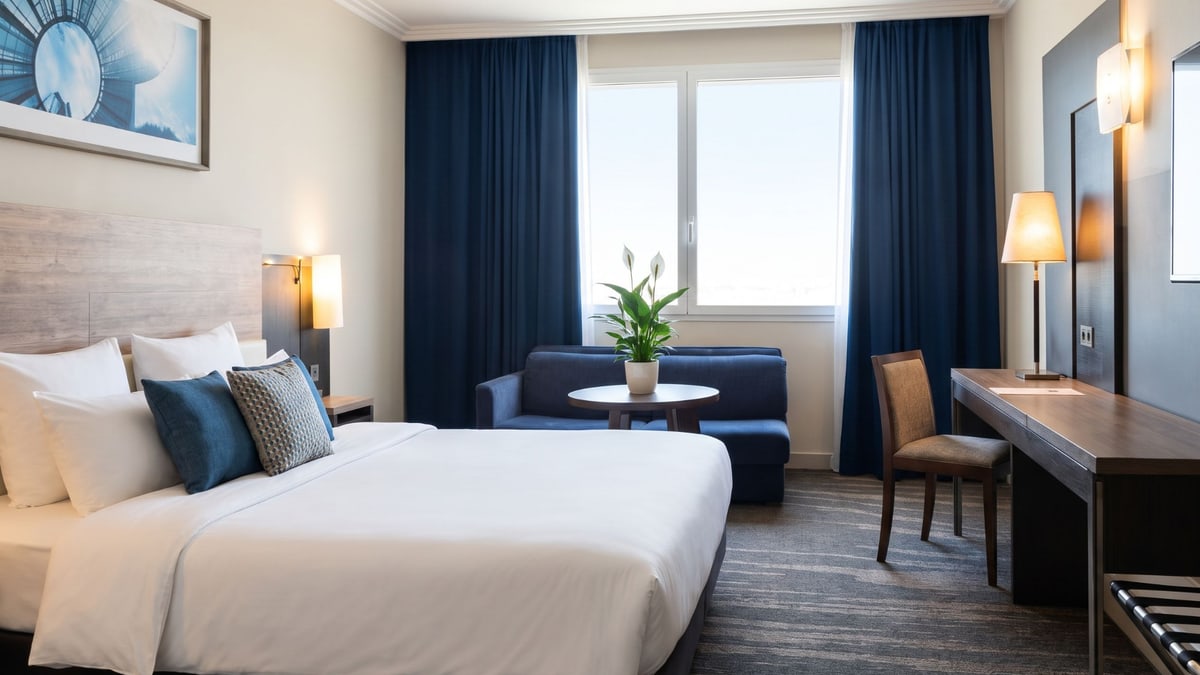
Most hosts and hoteliers edit their listing photos, and AI tools have made it faster than ever. The question is where improving a photo ends and misleading a guest begins. Airbnb, Booking.com and Google Hotels have each answered it, in slightly different words. This guide sums up what they allow, what they don't, and a simple test you can apply to every photo before you upload it.
This article is written by the Sublify team, which makes an AI photo editor. The platform rules below come from their own help pages and terms, checked on 23 October 2026.
What the platforms say
Airbnb. Its ground rules for hosts require listing photos to accurately represent the space. Airbnb also says it will ask hosts to remove content when AI or other digital tools have been used to "edit flaws, hide damage", add amenities that aren't part of the listing, or otherwise misrepresent it. Repeated or serious violations can lead to listings being suspended.
Booking.com. Its terms for accommodations require the information you provide, photos included, to be "true, accurate and not misleading" at all times.
Google Hotels. Its policies for hotel images prohibit AI-generated or heavily edited images that distort room sizes, views or the condition of the property. Its photo guidelines encourage light editing, as long as the photo stays accurate.
The three rules point the same way. You can make a real place look its best. You can't show a place that isn't there.
What is generally fine, and what isn't
| Usually fine | Risky or not allowed |
|---|---|
| Balancing light and color | Removing damage a guest will see on arrival |
| Straightening perspectives | Adding furniture, a pool or a view that isn't there |
| Sharpening and reducing noise | Making a room look bigger than it is |
| Removing clutter, cables and personal items | Replacing the view from the window |
| Making the bed, smoothing fabrics | Virtually staging an empty rental |
Removing clutter or an unmade bed is fine because the guest will find the room tidy and the bed made. Removing a stain or a crack is a different matter: the guest will see it, and that is exactly the situation the rules describe.
The test that keeps you safe
Before uploading a photo, ask one question: will the guest notice a difference when they walk in?
If the answer is no, because you only improved the light, tidied the room or made the bed, you're within the rules. If the answer is yes, because the photo shows something the guest won't find, or hides something they will, change the photo or change the room. A small mark that will be painted over before the next stay is not the same as a damaged wall that will still be there.
This is also how professional interior photographers have always worked: they make the space look its best, and they don't sell a different place.
What about virtual staging?
Virtual staging, adding furniture to an empty room, is useful for selling or renting out an unfurnished property, or for imagining a room before you furnish it. It doesn't belong in a short-term rental listing: the guest books the furniture in the photos and expects to find it. For Airbnb, Booking.com or your hotel's page, stick to photos of the space as it is.
How Sublify fits these rules
Sublify gives you several levels of control, and the difference matters here.
Faithful mode applies corrections only: tidying the room, smoothing the bedding, balancing the light, cleaning surfaces and harmonizing colors. You can also tick embellishments, such as plants or cushions, but none are selected by default. On a rental listing, only add the ones your guests will actually find in the room. This is the mode to use for listing photos.
Creative mode turns the photo into a premium editorial image automatically, with no settings. Because the AI decides what to enhance, Faithful mode is the better choice when every detail must match the place.
Virtual staging lives in a separate Home Staging studio, which furnishes an empty room or restyles a furnished one. It's made for projecting a space, not for rental listings.
Sublify can also correct larger imperfections, which some users need, for example to show a room as it will look after planned repairs. On rental platforms, keep those corrections for what will actually be fixed before your guests arrive. You can see what each mode does in our AI photo editor for hotels and our guide to the best AI tool for Airbnb and hotel photos.
FAQ
Can I use AI to edit my Airbnb photos?
Yes, as long as the result still accurately represents your place. Airbnb's rules target edits that hide flaws or damage, add amenities, or otherwise mislead guests, not the tool you use.
Can I use virtual staging on Airbnb?
Not for the photos of your listing, since guests would expect to find the furniture shown. Virtual staging is meant for other uses, like selling an empty property or planning a renovation. See our virtual home staging page.
Do I need to label edited photos?
We found no labeling requirement in Airbnb's ground rules when we checked. Local rules can differ, especially for real estate sales, so check the ones that apply to you.
What happens if Airbnb finds misleading photos?
According to its ground rules, Airbnb can ask you to remove the content, and repeated or serious violations can lead to suspension.
Sources
Airbnb, Ground rules for home hosts (airbnb.com/help/article/2895). Booking.com, General Delivery Terms for accommodations. Google, Hotel aggregator platform policies and photo guidelines for hotels. All checked on 23 October 2026. Also see our comparison of Sublify vs Virtual Staging AI.
Read next
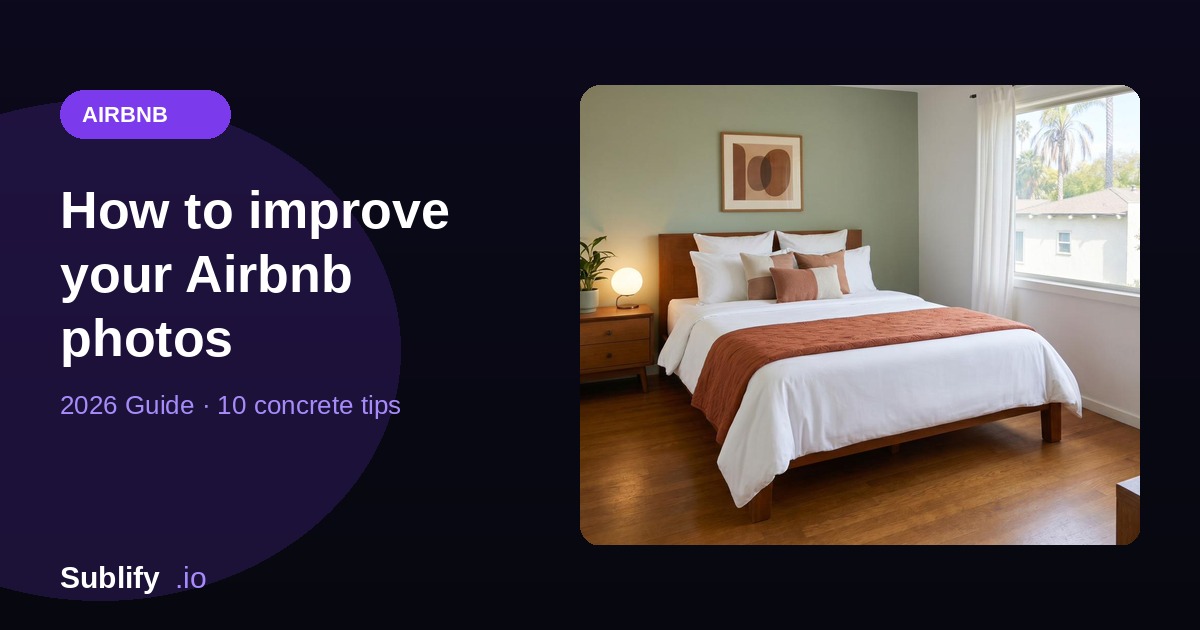
How to Improve Your Airbnb Photos (2026 Guide)
Photos that get your Airbnb booked: 10 concrete tips on lighting, staging, angles and editing. With or without pro gear.
Read article
Sublify vs Virtual Staging AI: which tool for your listing photos? (2026)
Sublify vs Virtual Staging AI compared: what each tool does best, pricing checked in October 2026, and which one fits agents, hotels and Airbnb hosts.
Read article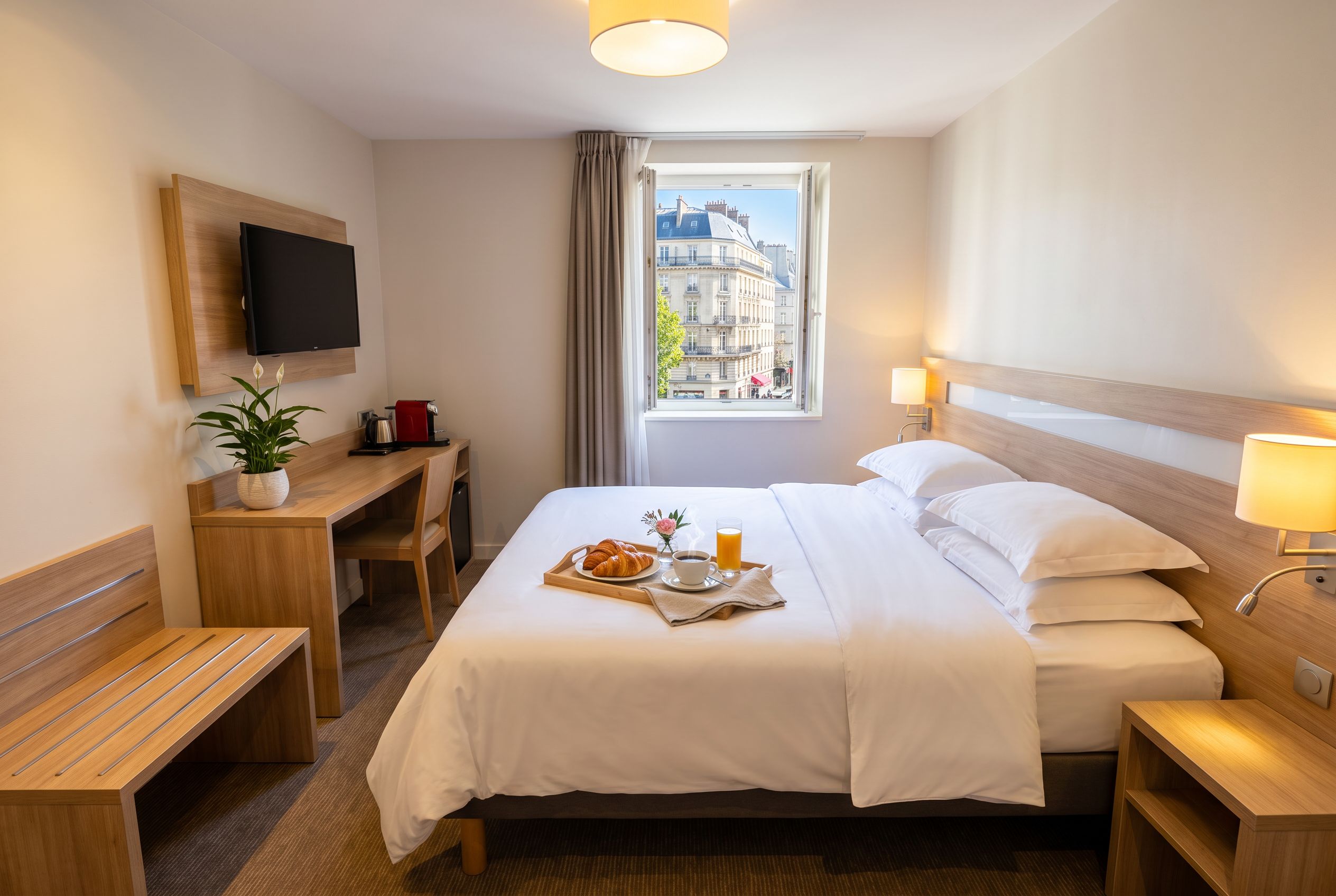
Best AI Tool for Airbnb and Hotel Photos in 2026
A comparison of 6 AI tools to edit and stage interior photos for Airbnb rentals and hotels, based on their features and pricing.
Read article